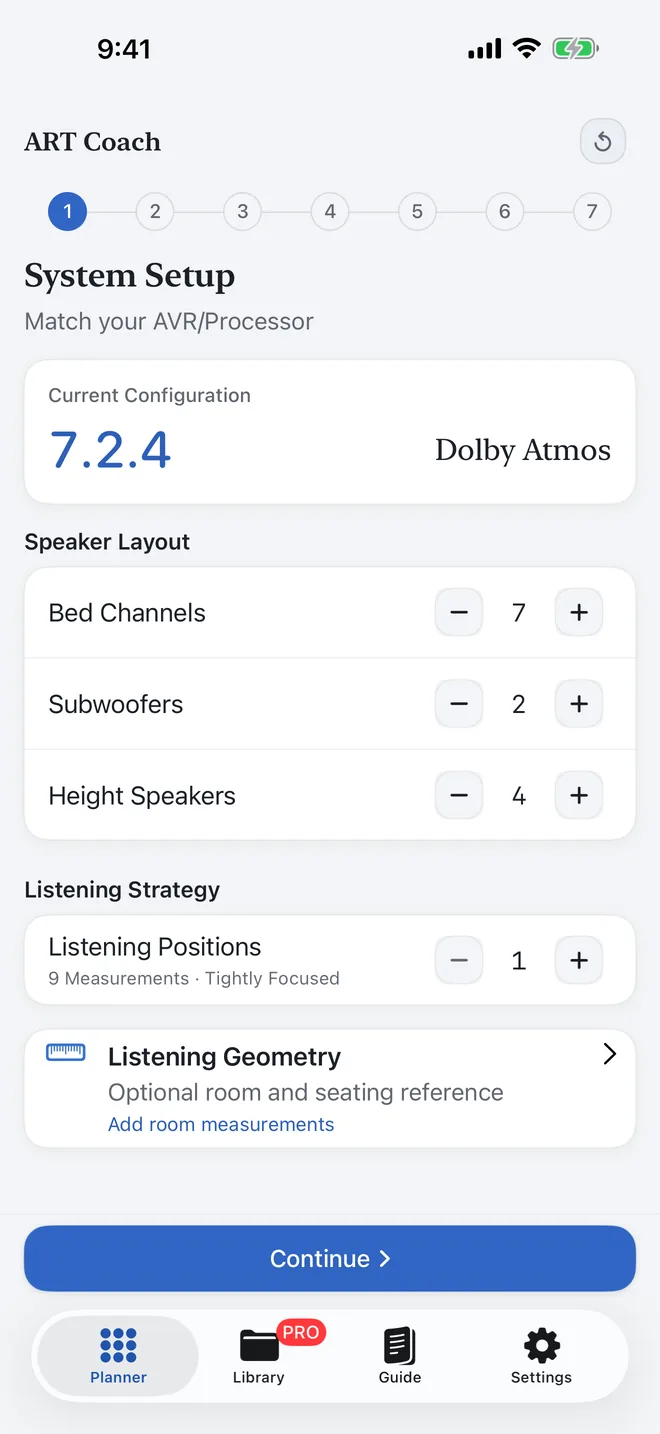
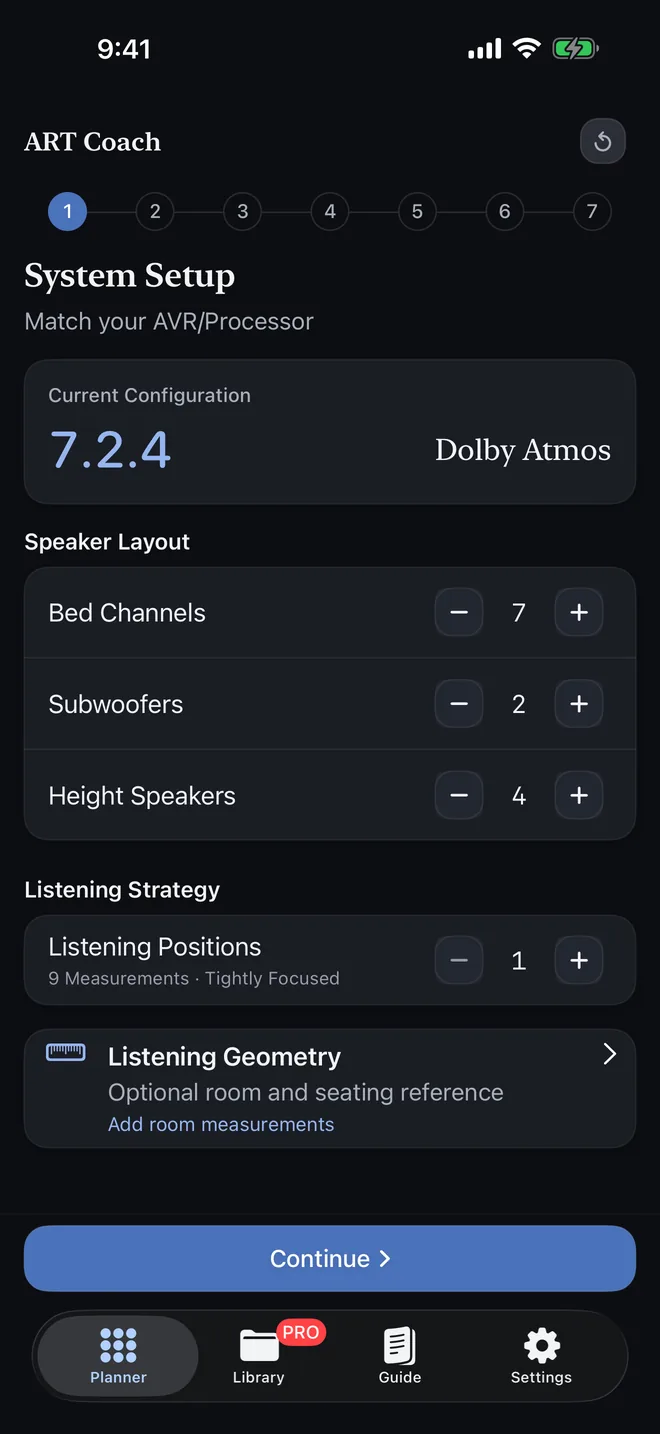
First-time users
The wizard and guide content break setup into clear steps so you can learn terminology, make decisions in order, and avoid skipped details.
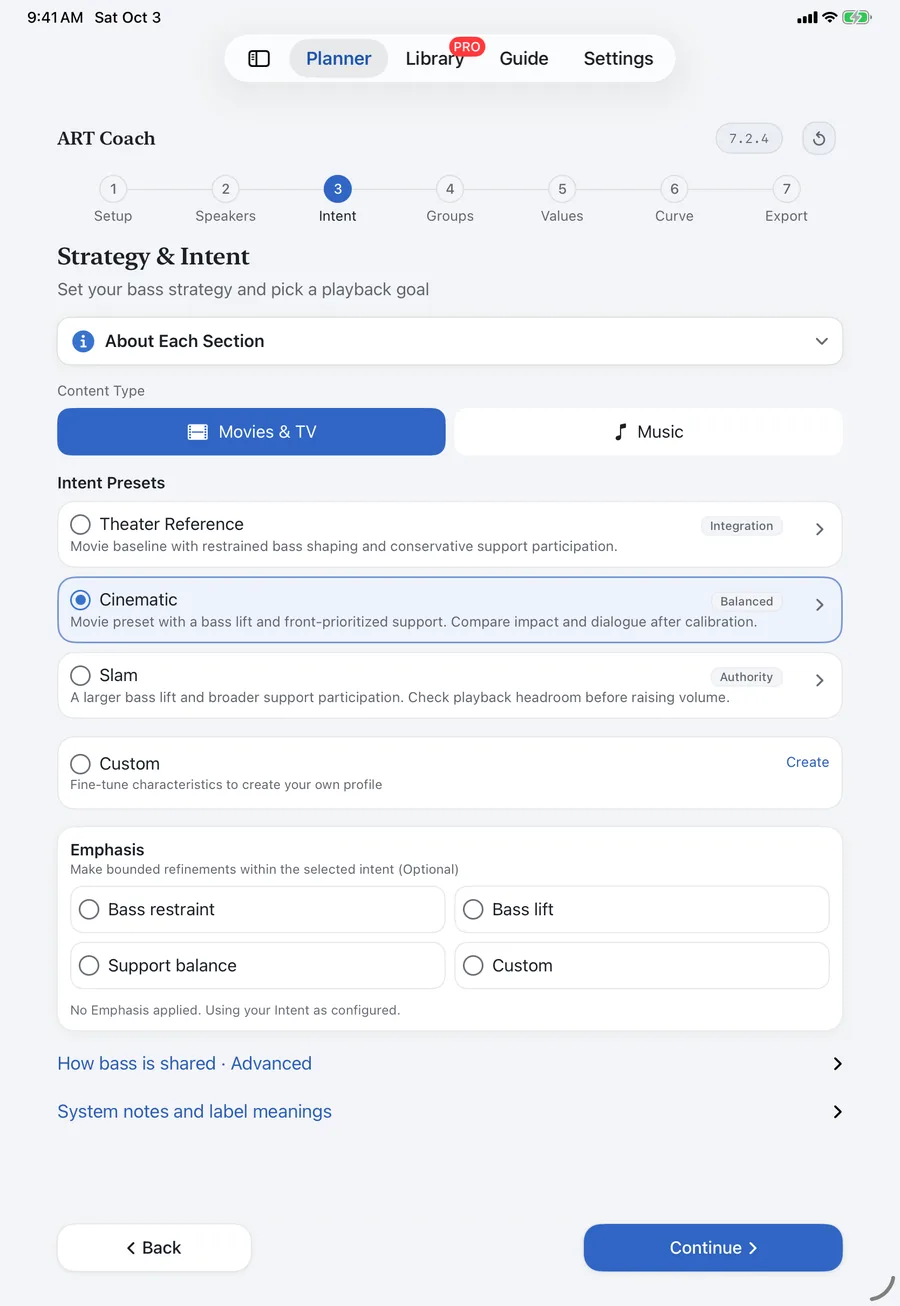
ART Coach is an independent planning app for use with third-party software Dirac Live® ART. It translates layout, speaker capability, and listening intent into structured starting values for Fsiso, Support Level, support ranges, and target curves. The 7-step flow shows what to set and why while keeping repeat sessions organized and export-ready.
Independent application; not affiliated with, endorsed by, or sponsored by the third-party software provider, Dirac Research AB.
Structured workflow
The app is a parameter calculation engine with a 7-step wizard, support matrix, target curve guidance, and documentation-grade export.
Honest constraints
Results depend on room acoustics, placement, equipment capability, and measurement quality.
Platform availability
Version 1.0.4 supports iOS 18, iPadOS 18, and macOS 15 or later.
This short introduction explains why calibration planning can become difficult before measurements begin, and how ART Coach turns scattered system details and setup decisions into a clearer starting point.
The preview image is hosted by ART Coach. YouTube is not contacted until you choose Play. Playback uses YouTube’s privacy-enhanced youtube-nocookie.com domain.
Version 1.0.4 is now available for iPhone, iPad, and Mac through Mac Catalyst.
If you use a setup sheet created by an earlier version, open the saved configuration and export a fresh copy before your next calibration session.
The app is designed for people new to this workflow as well as experienced users running advanced calibration sessions in dedicated rooms. It helps you move from speaker data to clear entry values with less guesswork and better session consistency.
The wizard and guide content break setup into clear steps so you can learn terminology, make decisions in order, and avoid skipped details.
The wizard turns system details into a consistent parameter handoff so each session starts from clear values instead of scattered notes.
Intent presets and optional emphasis controls support both cinema impact and music integration without changing the core workflow.
The app exports what calibration sessions actually use: calculated group parameters, a condensed Setup Sheet or Detailed Configuration Reference, PDF and TXT files, clipboard text, and target curve points with a compatible import file.
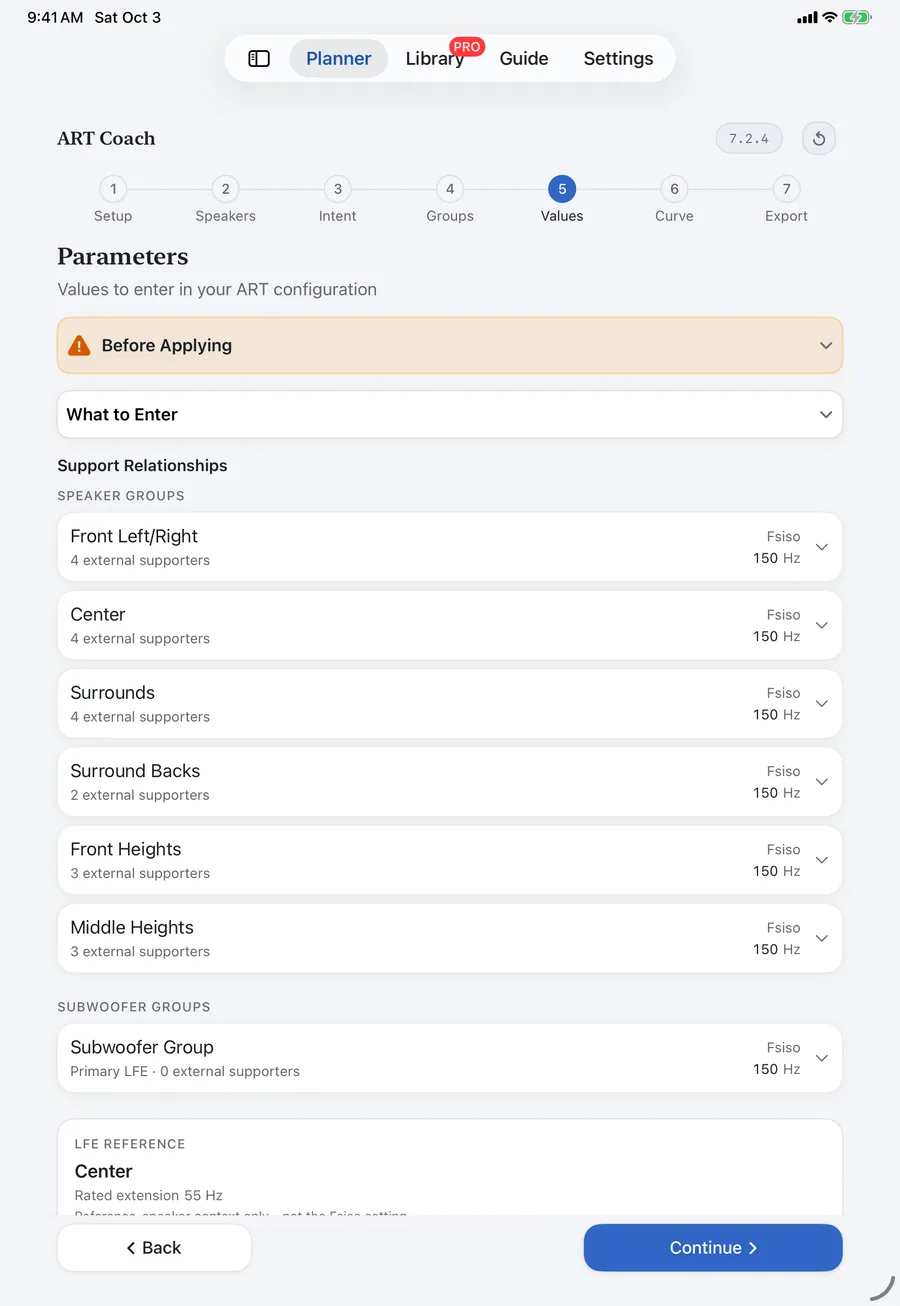
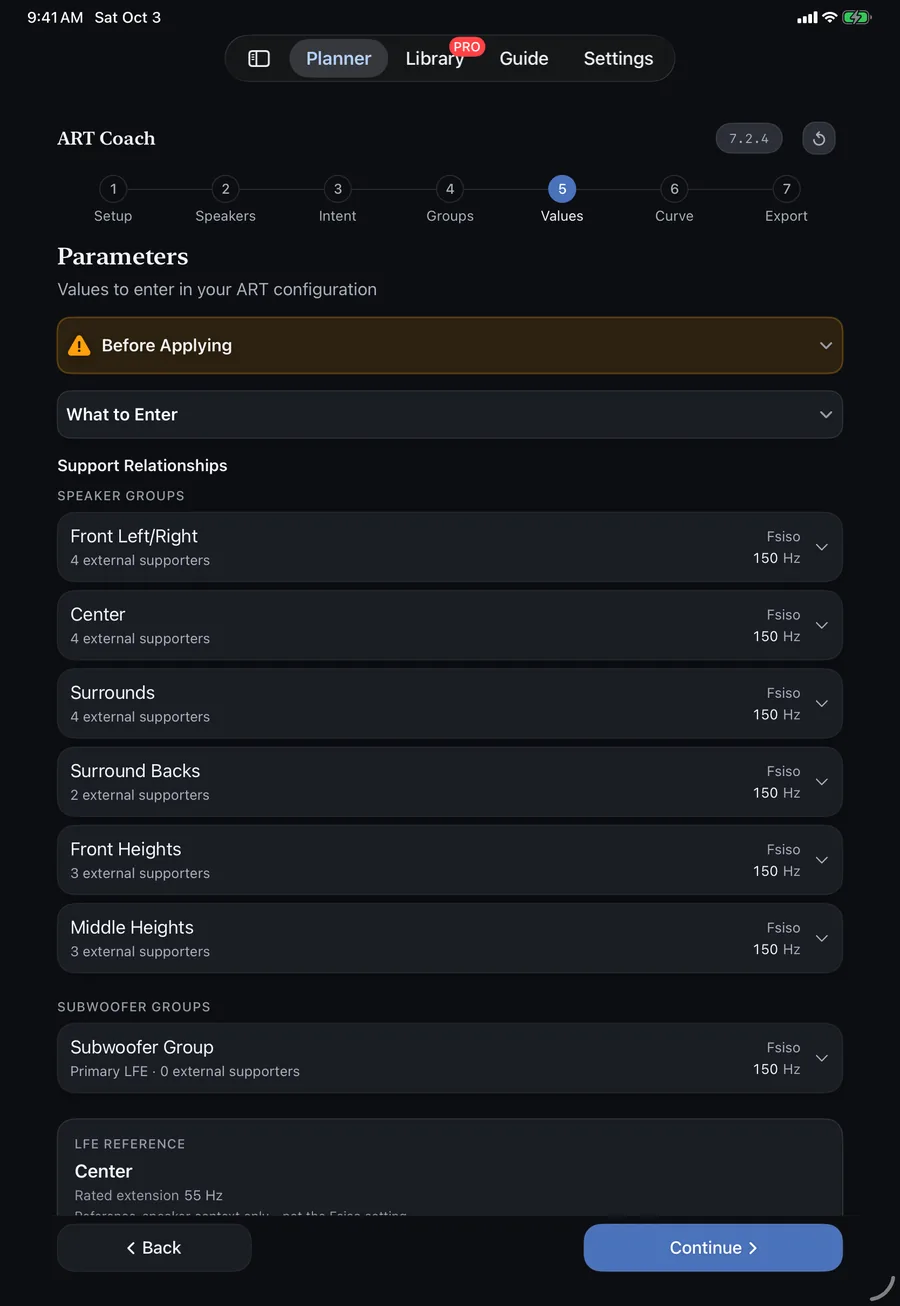
Each speaker group lists Fsiso, then names every supporter with its own Support Level, F-support Low, and F-support High values for direct entry.
Example · Immersive Atmos + Dialogue · 7.3.4
> FRONT LEFT/RIGHT
Fsiso: 100 Hz F-support: 45–80 Hz
Within group
Support Level: -5 dB
F-support Low: 45 Hz
F-support High: 80 Hz
Subs (Front)
Support Level: -22 dB
F-support Low: 45 Hz
F-support High: 80 Hz
Subs (Behind MLP)
Support Level: -12 dB
F-support Low: 45 Hz
F-support High: 75 HzThe Target Curve section identifies the Primary LFE/subwoofer group, the one showing the Target/Corrected curve indicator, and prints its frequency and gain points. Support-only sub groups contribute toward that target without receiving a separate curve. Export can also write a `.targetcurve` file for compatible import.
Example · Immersive Atmos + Dialogue · 7.3.4
Apply to: Subs (Front) 10 Hz ............ +0.3 dB 16 Hz ............ +0.9 dB 20 Hz ............ +1.9 dB 25 Hz ............ +3.2 dB 31.5 Hz .......... +3.6 dB 40 Hz ............ +3.9 dB 50 Hz ............ +3.9 dB 63 Hz ............ +3.3 dB 80 Hz ............ +2.6 dB 100 Hz ........... +1.4 dB 120 Hz ........... +0.6 dB 160 Hz ........... -0.2 dB
Simple produces a condensed Setup Sheet. Detailed produces a Configuration Reference with speaker membership, support eligibility, bass regions, infra-bass guidance, and system notes. Both can be copied or exported as TXT or PDF.
Example · Immersive Atmos + Dialogue · 7.3.4
ART COACH · CONFIGURATION REFERENCE Intent: Immersive Atmos + Dialogue Layout: 7.3.4 Rec. Fsiso: 102 Hz Groups: 8 Seats: 2 Priority: Multi-Seat Balance Sound Strategy: Cinema Focused Apply to: Subs (Front)
The wizard follows a fixed sequence because each downstream output depends on choices made earlier in the session, starting with layout and capabilities.
01
Match the bed, sub, and height counts to the layout you are actually calibrating.
02
Enter -3 dB extension and placement details, use quick presets when helpful, and copy values from similar channels to speed setup.
03
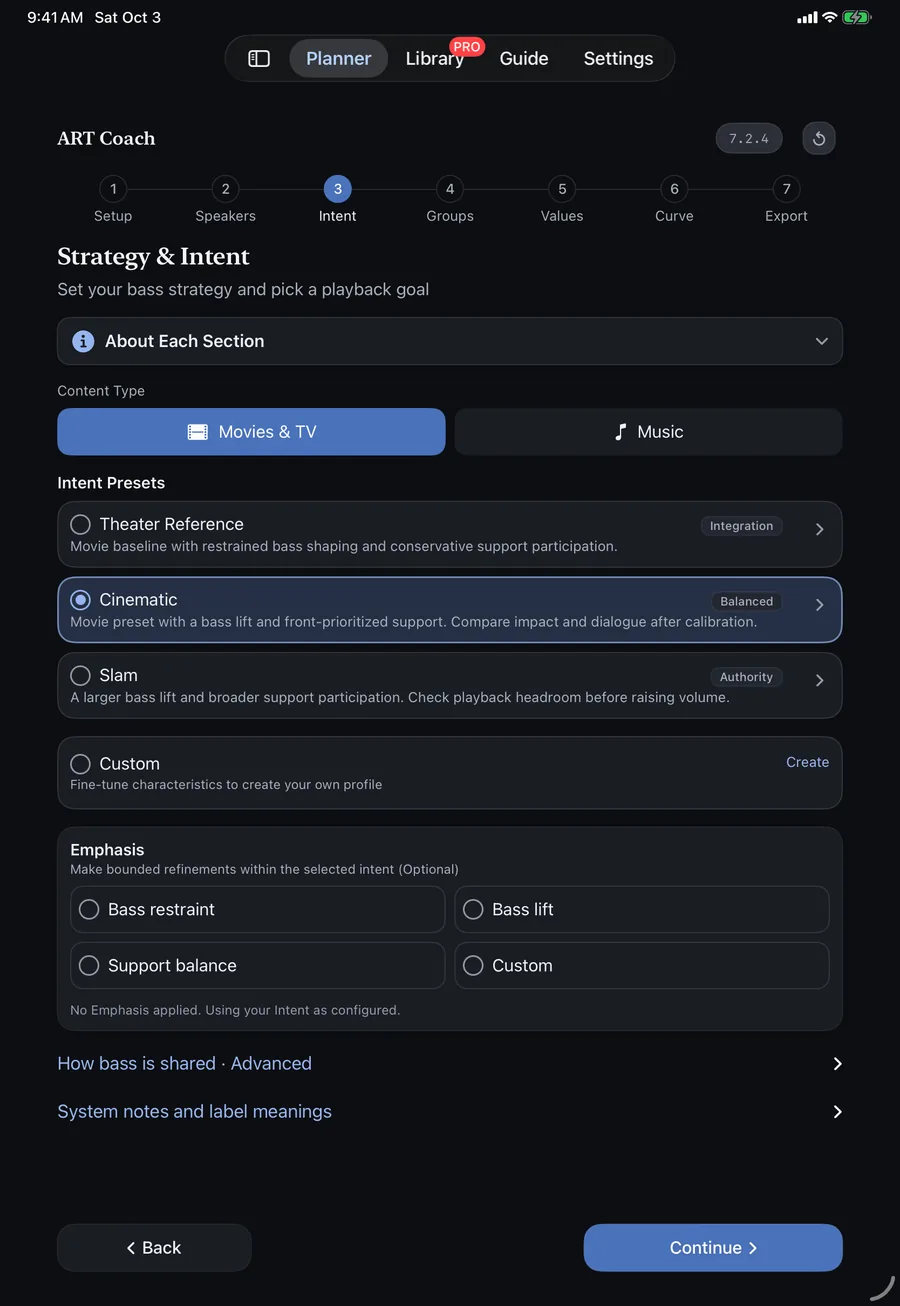
Pick an intent preset for your listening goal, then optionally refine with emphasis controls such as Dialogue, Impact, or Custom.
04
Choose a grouping strategy, then verify group structure and support eligibility before entering any values in your calibration software.
05
Use the per-group values and support relationships exactly as shown in the handoff section.
06
Review and shape the system bass target for the Primary LFE/subwoofer group, verify the Target/Corrected curve indicator in Filter Design, then export a `.targetcurve` file when you do not want manual transcription. Support-only sub groups do not receive separate curves.
07
Choose the format that fits the session: clipboard, TXT, PDF, or a documentation-ready setup sheet.
The app is explicit about what it can and cannot claim. That clarity is part of why serious users can trust it in real calibration work.
The app produces structured starting points for measurement and listening validation, not final acoustic verdicts.
Final results still depend on room acoustics, placement, equipment capability, and measurement quality.
Near-MLP speakers, behind-MLP subwoofers, and center-channel support can receive intentionally cautious boundaries or roles before room measurements are available. These safeguards create a conservative starting point, not a claim that a wider measured range cannot work.
The parameters step warns that these settings increase demand on speakers and amplifiers, and tells users to back off if they hear strain or compression.
Free mode includes the full calculation and export workflow. Pro adds workflow depth and convenience, not guaranteed performance. Third-party calibration software licensing is separate.
Free
Core workflow included
Free mode includes the complete core workflow: calculation, grouping, target curves, and export.
Pro
Most workflow depthOne-time unlock
A one-time, non-consumable unlock for workflow depth and organization, not for promised sound quality gains.
One-time unlock. Not a subscription. Restore purchases in-app. Refunds are handled by Apple.
These answers are written for people preparing for their first calibration and for users who already calibrate regularly.
It is a calculation and export workspace for structured calibration setup. It helps you learn the workflow while producing entry-ready values, and it does not replace room correction itself.
ART Coach is an independent planning companion for third-party Dirac Live® software and is not affiliated with Dirac Research AB. It does not perform calibration or function as a standalone calibration tool; its plans and exports can be used only with the compatible Dirac Live application for Windows or macOS. You will also need a compatible system and licenses for Dirac Live Room Correction and Active Room Treatment. If your system includes one or more subwoofers, you’ll also need a Dirac Live Bass Control license. Verify current compatibility and licensing requirements at https://www.dirac.com.
Yes. It is designed for first-time users and experienced calibrators who want a clearer, repeatable parameter workflow.
Fsiso, LFE Reference guidance, supporter relationships, Support Level, F-support Low, F-support High, target curve points, a Simple Setup Sheet, and a Detailed Configuration Reference.
Apply the system low-frequency curve to the Primary LFE/subwoofer group, the one showing the Target/Corrected curve indicator in Filter Design. Support-only subwoofer groups contribute toward that target and do not get separate curves. LFE Reference is the timing reference, not the curve destination, and other main speaker groups keep their own targets.
No. Results depend on room acoustics, placement, equipment capability, and measurement quality.
Pro is optional and adds the Configuration Library, folders, iCloud Sync, reusable templates, per-band Bass Shaping, version history and comparison, custom group names and configuration notes, `.artcoach` transfer, the Target Curve Editor, Siri Shortcuts, Spotlight Search, and Home Screen and Lock Screen widgets. It is a one-time, non-consumable unlock, not a subscription. The free workflow still includes full core calculation, broad Curve Shape controls, and the standard export formats.
Version 1.0.4 supports iPhone and iPad on iOS or iPadOS 18 and later, and Mac through Mac Catalyst on macOS 15 and later.
It includes optional companion tools for room-noise readiness checks, background-noise monitoring during sweeps, UMIK-1/2 calibration-profile import, and measurement-layout reference. These tools support measurement preparation; they do not replace calibration measurements or correction.
Core functionality runs on-device. There are no analytics SDKs or advertising trackers, and optional sync is handled through the user’s private iCloud account.
The free version includes the full calculation and export flow, with Pro reserved for saving, comparing, shaping, syncing, and organizing longer calibration work.